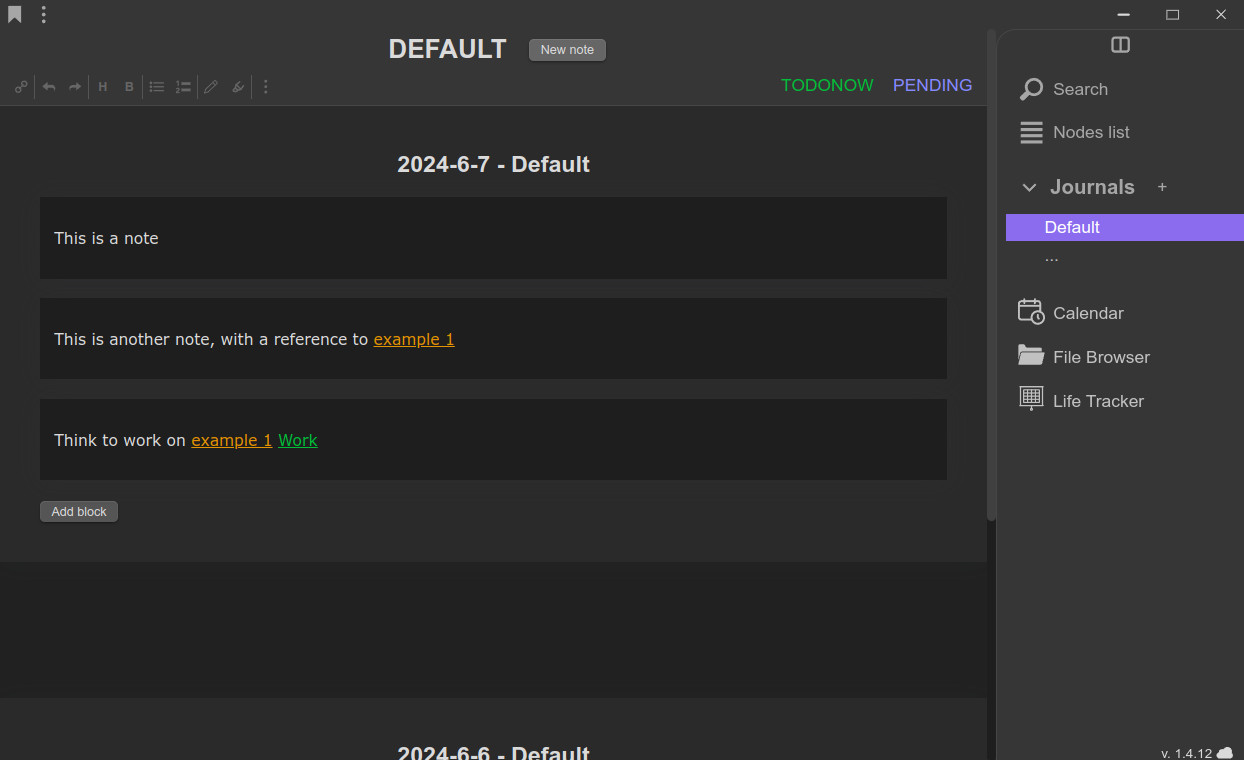
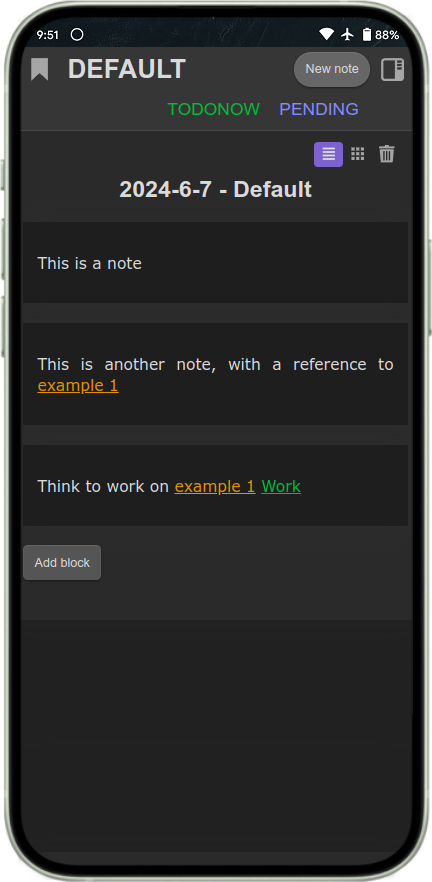
In LifeJournal, referencing a concept is storing. Every note you write is automatically organized — just by the links you put in it. No folders, no filing, no friction.
The real problem isn't taking notes — it's finding them
Most note apps are great at storing. But when you need that one specific thought, three weeks later? You dig through folders, scroll through pages, and hope for the best. The more you write, the harder it gets.
LifeJournal solves this at the source: every note is classified the moment you write it, through the references you naturally put in it.
How it works
Write naturally. LifeJournal handles the organization.
Your notes organize themselves
Just write and mention the concepts that matter. Each note is instantly filed under every concept you reference — no folders, no drag-and-drop, no thinking about where things go.
In LifeJournal, notes are small atomic blocks — not long wiki pages. When you reference a concept (a person, a project, a topic…), the note is automatically filed under it. The equivalent of a "page" for any concept is built dynamically from all the blocks that reference it. Pages are assembled from blocks — not the other way around.
Find anything in seconds
Every concept you've ever referenced becomes a searchable entry point. Click on "Project Alpha" and instantly see every note that mentions it — no matter when or where you wrote it.
In LifeJournal, the concepts you reference are called "nodes". Unlike wiki pages, a node doesn't hold one fixed piece of content. It gathers every block that references it — like a living, growing file. Nodes can have sub-nodes, aliases, and custom fields. They form a network that you build naturally as you write.
Sorted before you even think about it
Not all references are equal. A note about a project and a note that just mentions it shouldn't end up in the same pile. In LifeJournal, they don't — each type of link gets its own tab.
You can reference the same concept in different ways: a strong reference (e.g. [[Project Alpha]]) to say "this note is about it", a weak reference (e.g. #Project Alpha) to say "it's mentioned here", or custom types you define yourself (TODO, STORY, PENDING…). Each type gets its own tab inside the concept's page. Content is classified the moment you create the link — no sorting afterward.
Your files, inside your notes
Embed images, PDFs, and documents directly in any note. Add timestamp markers on videos. Find any file through the concepts it's linked to — like virtual folders, without the folders.
Files can be embedded inline, linked, or copied for cross-device sync. Because files live inside notes, and notes are filed under nodes, you can search for all files related to any concept instantly. No more duplicating files across directories or losing track of where you saved something.
Turn notes into action
Tag a note as PENDING. When you're ready, move it to TODONOW with one click. Your task lists live right where the work is — inside your notes, not in a separate app.
Tasks are powered by reference types. PENDING, TODONOW, DONE — each is a reference type with its own tab. Moving a task from one stage to another is just changing its reference type. You get a dynamic Kanban system that emerges naturally from your notes, with no extra setup. Each project node shows its own task pipeline.
Collaborate on shared knowledge
Create a community and build a shared note network with your team, class, or group. Everyone contributes, and the best content rises to the top.
Invite members to collaborate on a shared database. Control who can write in which reference tabs — for example, anyone can add notes in the open tab, but only curators can write in the "verified" tab. It's like a mix between a collaborative wiki and a forum, powered by LifeJournal's reference system.
Available everywhere
Use LifeJournal on any device. Your notes are always with you.